SANTA CAUGHT ON CAMERA
Create a Santa caught on camera video
Start with a room photo taken from across the room. Leave space next to the tree so Santa has somewhere to set down his gifts.
Try the camera effect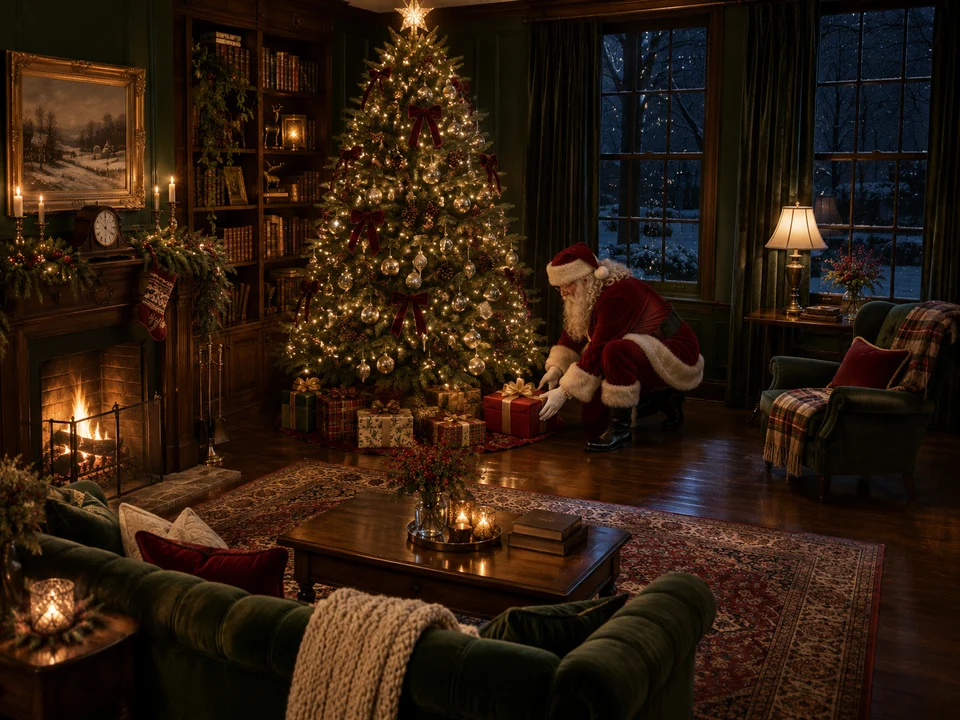
THE GENERATOR
Upload a photo of your room
A clear photo of your living room or Christmas tree works best. Choose a room photo without people.
JPG, PNG, WebP or HEIC. You’ll see the credit cost before you confirm.
Generation is temporarily unavailable.
Set up the shot
Use a steady, slightly higher camera angle. Keep furniture along the edges and avoid a bright window directly behind the tree. A lamp or the tree lights can help the room stay recognizable.
Leave pets and people out of the input. Results may vary as the model renders the scene and movement.